
How do I add a recipe to my products to use the Task Display?
By default, GoTab allows YouTube™ videos to be synced with recipe prep instructions. For a more robust recipe management tool check out our integration with meez.
Navigate to your Product Catalog in the Manager Dashboard.
-
Navigate to the product you are adding to the recipe and click on the product to edit it.
-
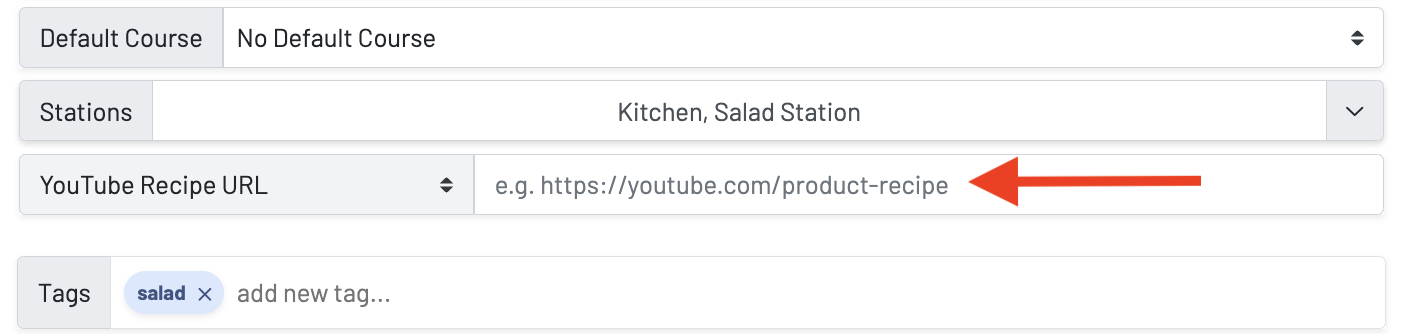
Make sure you have the “YouTube Recipe URL” or meez recipe Id selected
-
Paste the link copied from YouTube or enter the meez recipe Id
-
Save your changes