Spot Management
-
A **Spot **can be a table, a seat at the bar, or a literal spot by a palm tree. Basically, any “spot” you’d like to have your guests order from.
-
Spots can be renamed and moved between zones from the Zones dashboard.
-
Both actions can be done individually or in bulk.
-
The spot URL will be updated for each QR accordingly.
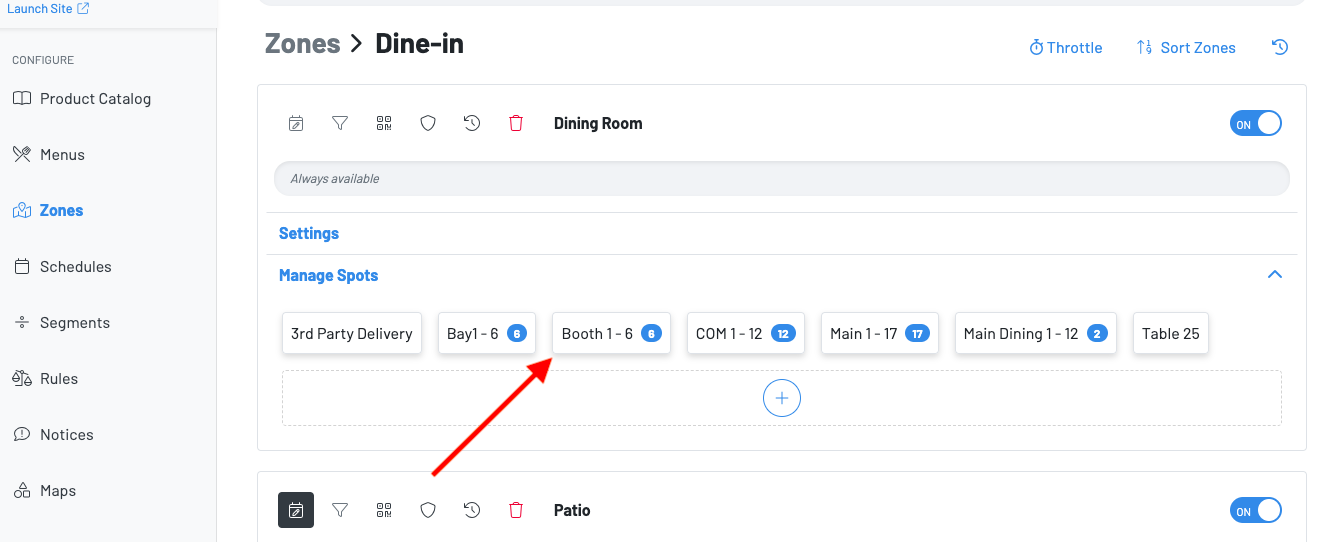
Begin editing by pressing a spot/group of spots.
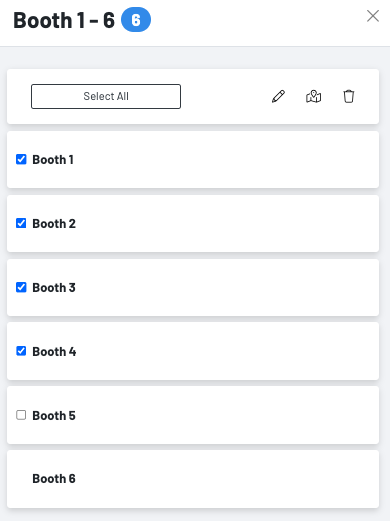
Choose the spot(s) you want to edit. You are able to check all of the spots that these changes will apply to.
-
Press the pencil icon to update the spot name
-
Press the map icon to move spot to another zone
-
Press the trash icon to delete spots (be sure these spots are no longer going to be used)