
Reports: Inventory Depletion
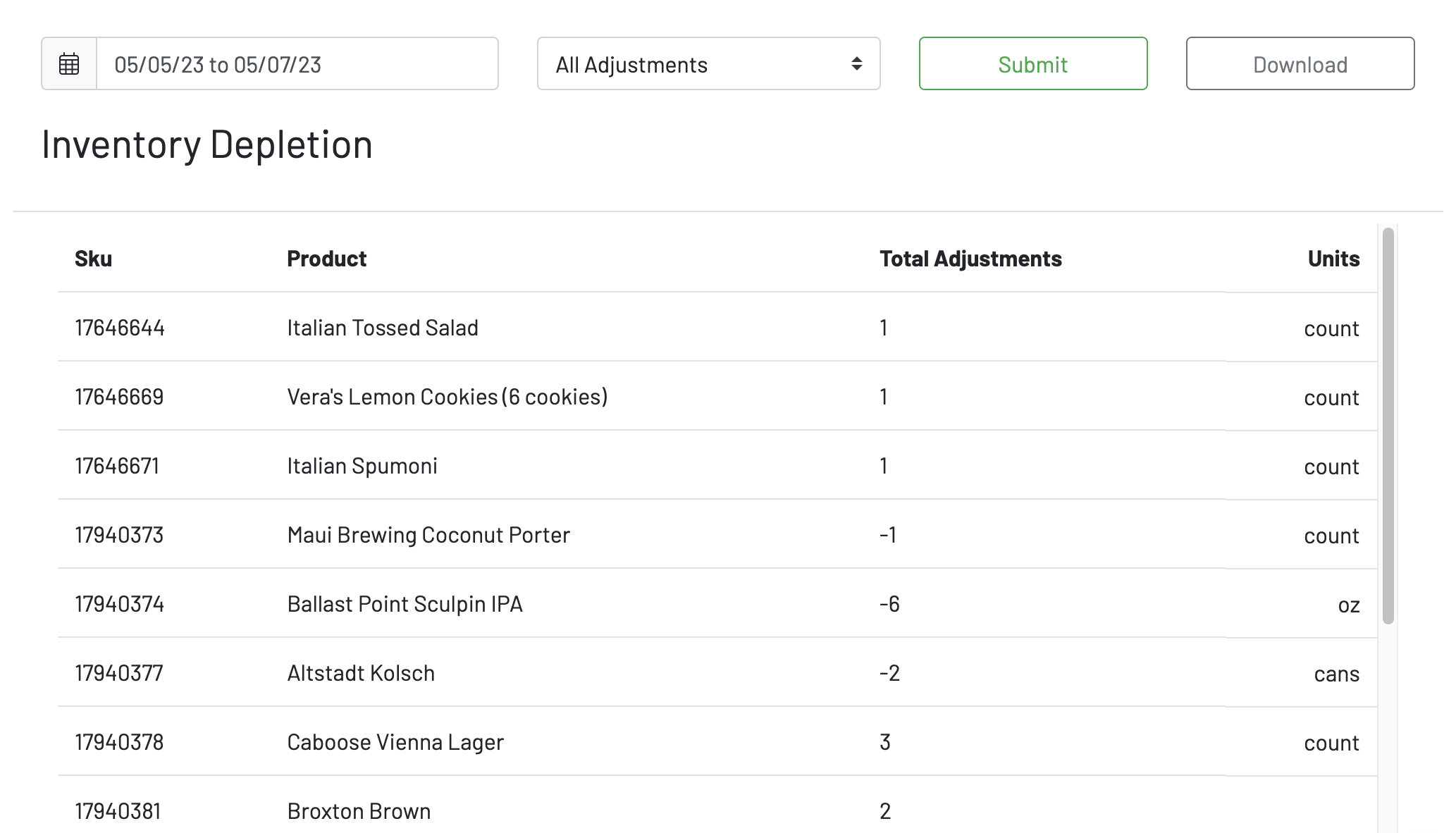
To view Inventory adjustments and depletions, navigate to the inventory page under the Reports section in the Manager Dashboard.
-
Choose a date range
-
Choose an adjustment type, or just view “All Adjustments”
-
Press submit
You will then be able to view
-
Sku
-
Product
-
Total Adjustments
-
Units
You can choose to download this report.
To learn how to update stock levels, click here.