POS Menu Management
You can manage your menu and set product delays from any POS Display which mirrors the KDS function.
To access your POS Menu Management, navigate to your POS
- More > Products
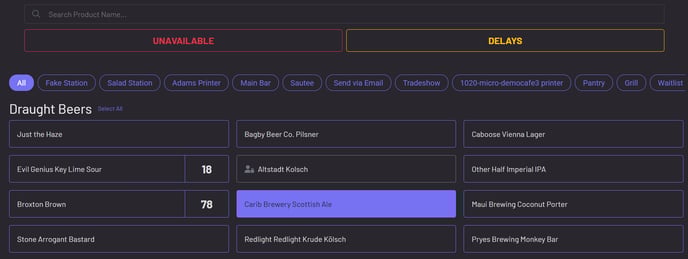
Simply press on any product to mark it unavailable or set a delay!
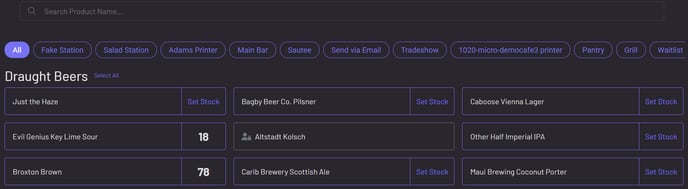
To adjust stock level, click on Set Stock next to the product