End User Experience: How to Order With GoTab QR Code
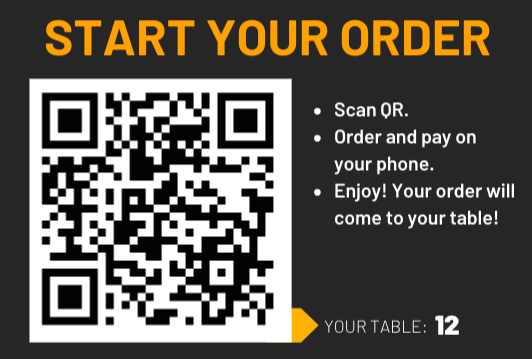
Step 1: Scan the QR code at your table
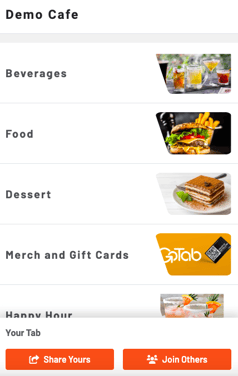
Step 2: Look through the menu or jump to a specific category
. 
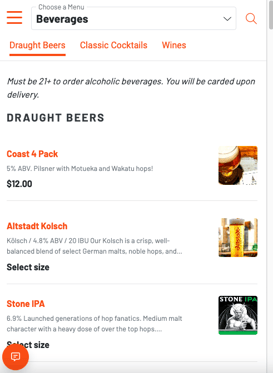
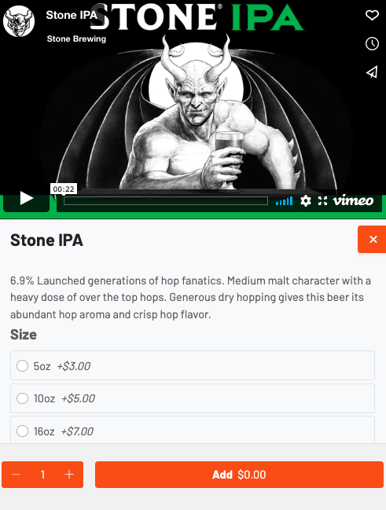
Step 3: Click on an item to choose modifiers and add it to your cart
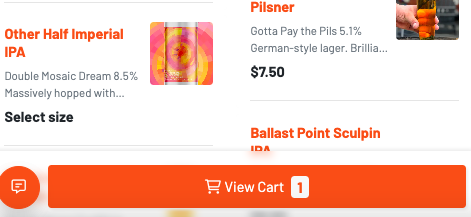
Step 4: Select “View Cart” at the bottom of your screen to begin the checkout process
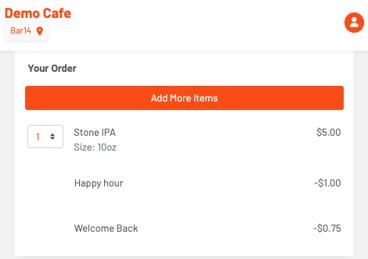
Step 5: Confirm that the order is correct then pay.
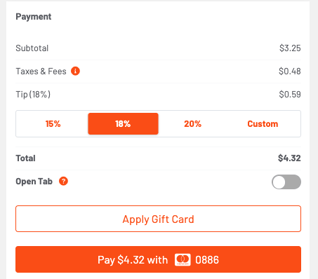
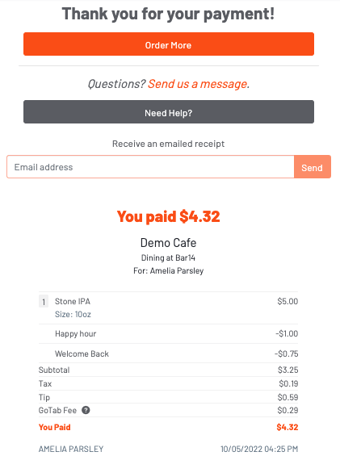
You can then view your receipt: