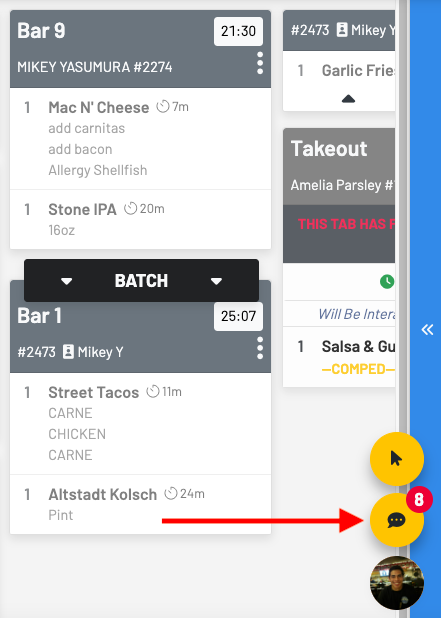
KDS: How to text a guest and view old messages
Step 1: Click the three dots on the order card
Section titled “Step 1: Click the three dots on the order card”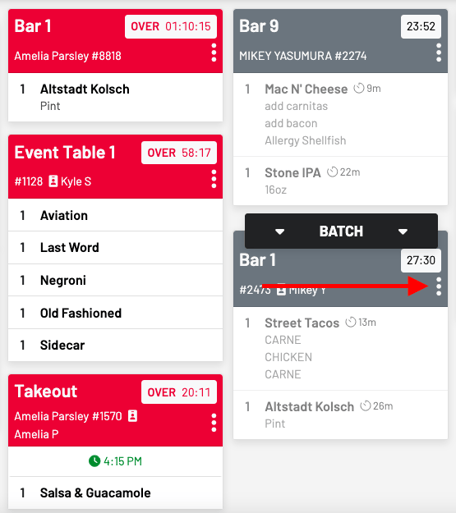
Step 2: Click Custom Chat
Section titled “Step 2: Click Custom Chat”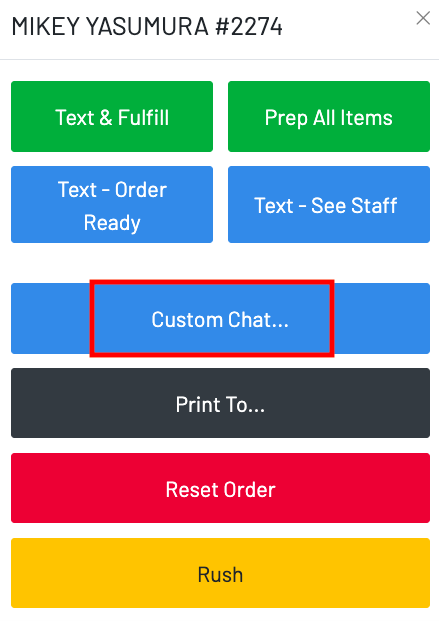
Step 3: Send canned messages or initiate a custom chat
Section titled “Step 3: Send canned messages or initiate a custom chat”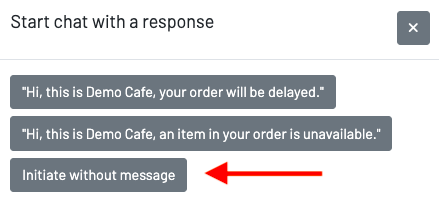
Step 4: Chat away!
Section titled “Step 4: Chat away!”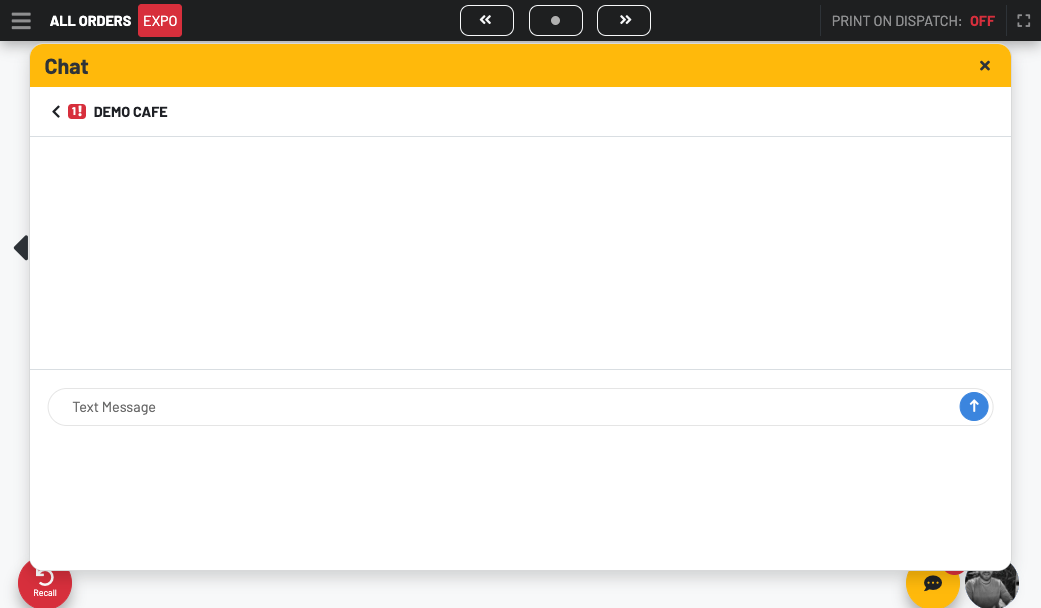
To view all of your previous messages, click the yellow chat bubble.
Section titled “To view all of your previous messages, click the yellow chat bubble.”