
How to Bulk Edit Products Within a Category
To make bulk product changes navigate to your Product Catalog
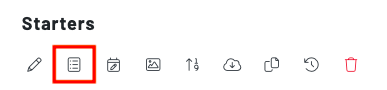
- Category > press the second icon from the left, named “bulk edit products within category”
A panel will then populate where you can edit the settings on all of the products in that category.
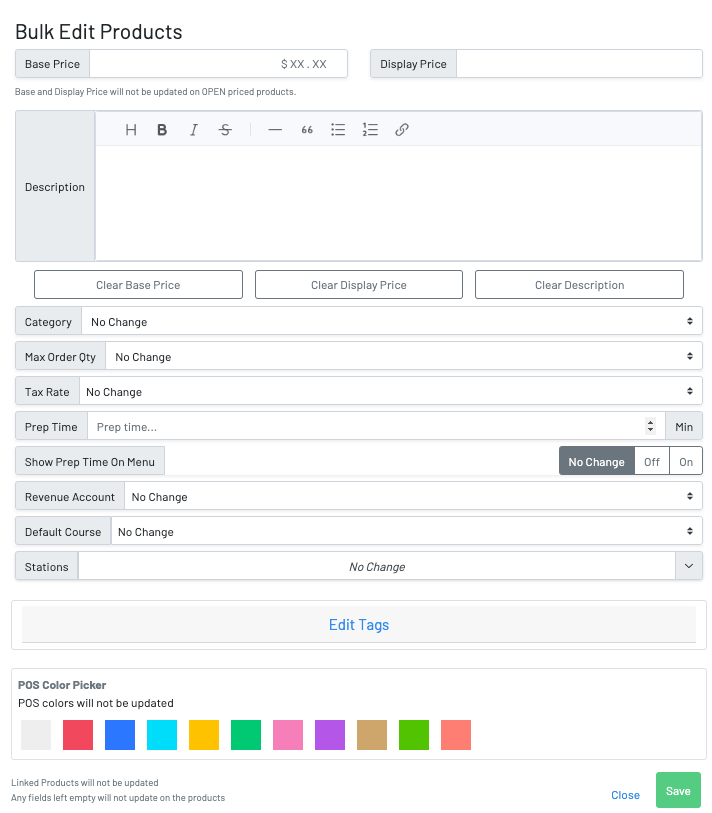
***Note: **Please keep in mind, these changes will apply to **all *products within the category that you are bulk editing.