
How to add a tip from a previous day
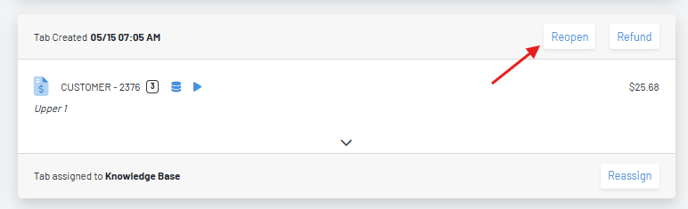
-Navigate to the Tabs page in the Manager Dashboard and locate the tab.
-Press “reopen” at the top of the tab.
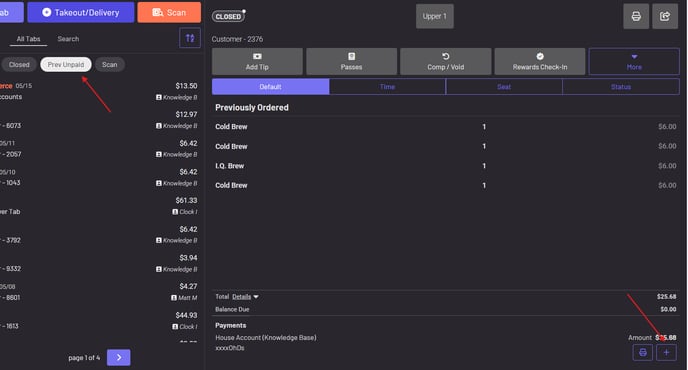
-In the POS navigate to All Tabs—Prev Unpaid
-
Find the tab you reopened.
-
Press the + icon on the tab and add the tip.
Note: Tips are reflected in your reports the day the tip payment is captured. We cannot retroactively add a tip to reports for prior fiscal days from when the tip payment was successful.