
How Do I Add Seats to Orders?
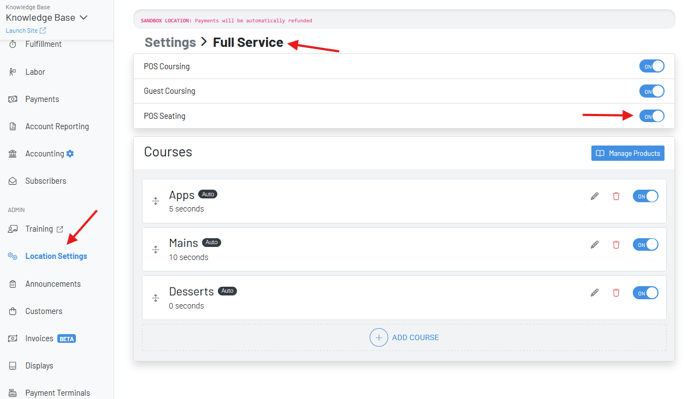
Turn on POS Seating
Location Settings—Full Service—POS Seating
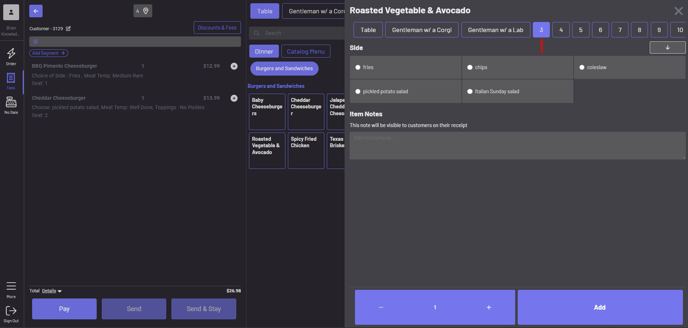
Adding a Seat
Simply click one of the numbers above the item modifiers add a seat number to an item. If it’s for the entire group, you can click “Table” to designate an item for the whole table.
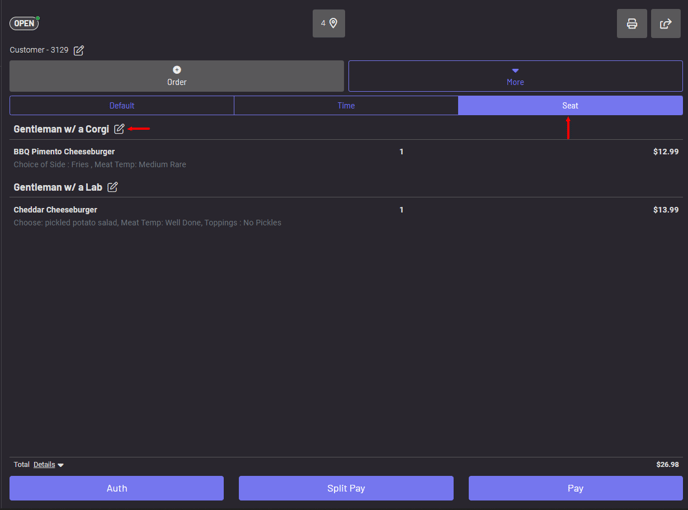
Renaming a Seat
Within the “Seat” view on a tab, click the edit icon on the seat to add a name to the seat to help keep your orders within a tab organized.
Split Pay by Seat
Enter “Split Pay” on the tab.
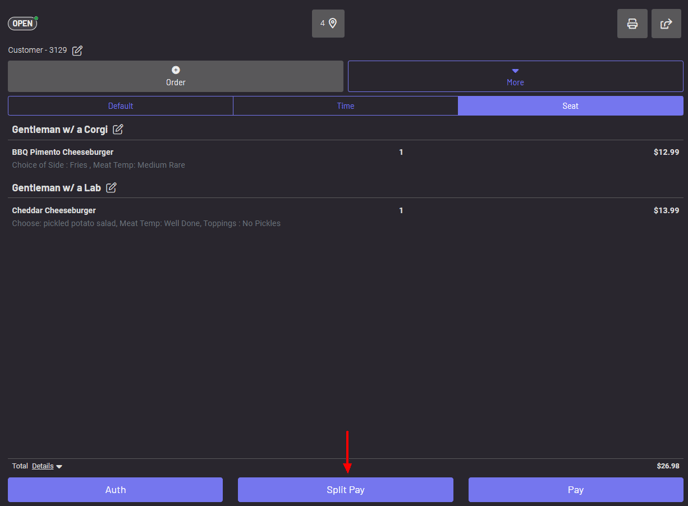
Click “Split by Seat” in the upper right to easily split the tab by the designated seats.
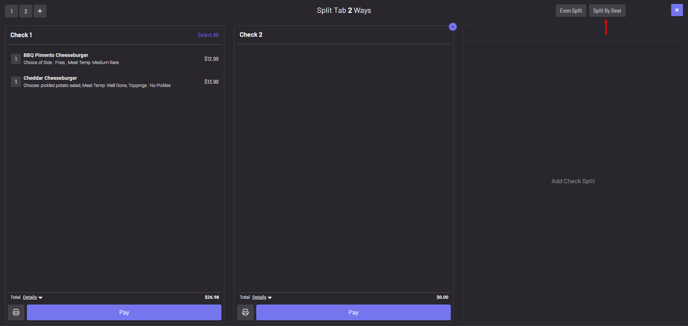
To learn more about Split Pay, click here.