Guest Cover Count
Turn On Automatic POS Prompt
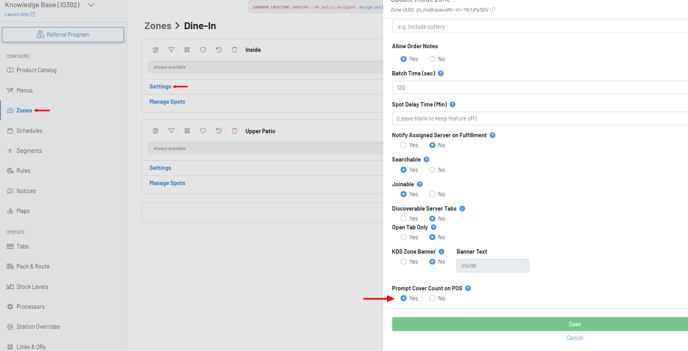
The automatic guest count prompt is a zone level setting.
In the manager dashboard, Navigate to Zone—Settings—Click Yes to Prompt Cover Count.
Guest Count on POS
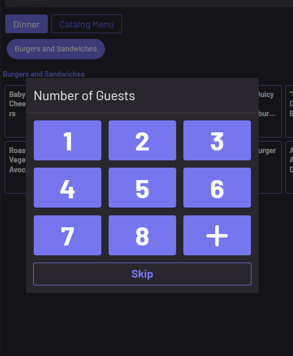
With “Prompt Cover Count on POS” on, you will now be automatically prompted for the number of guests when initially opening the tab.
The number of guests can be found at the top of the tab.
***Note: Automatic prompt setting is not required to add a guest count. You can manually edit or add a guest count by click the pencil icon and adding the number of guests on a tab. ***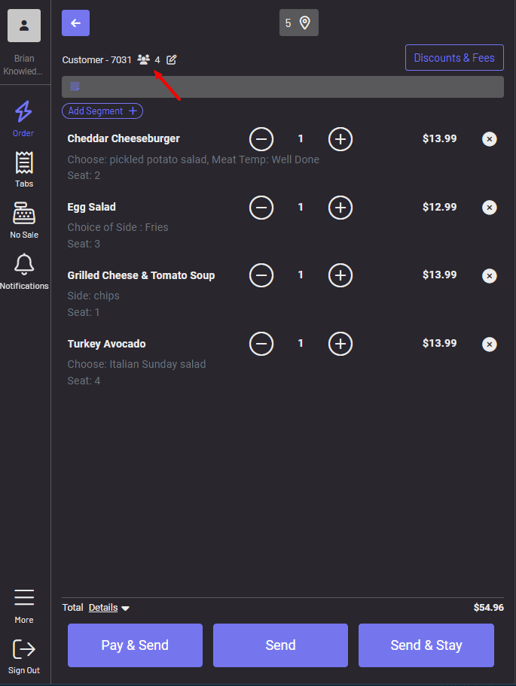
Cover Count in your Kitchen
On your KDS, click the three dots on a ticket to view guest count.
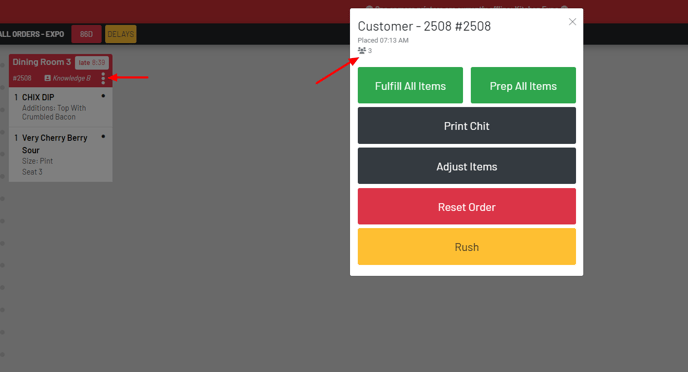
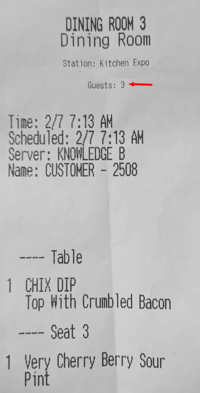
On your kitchen chits, guest count can be found near the top of the ticket.
Cover Count in the Manager Dashboard
The cover count can be found on your Sales page.
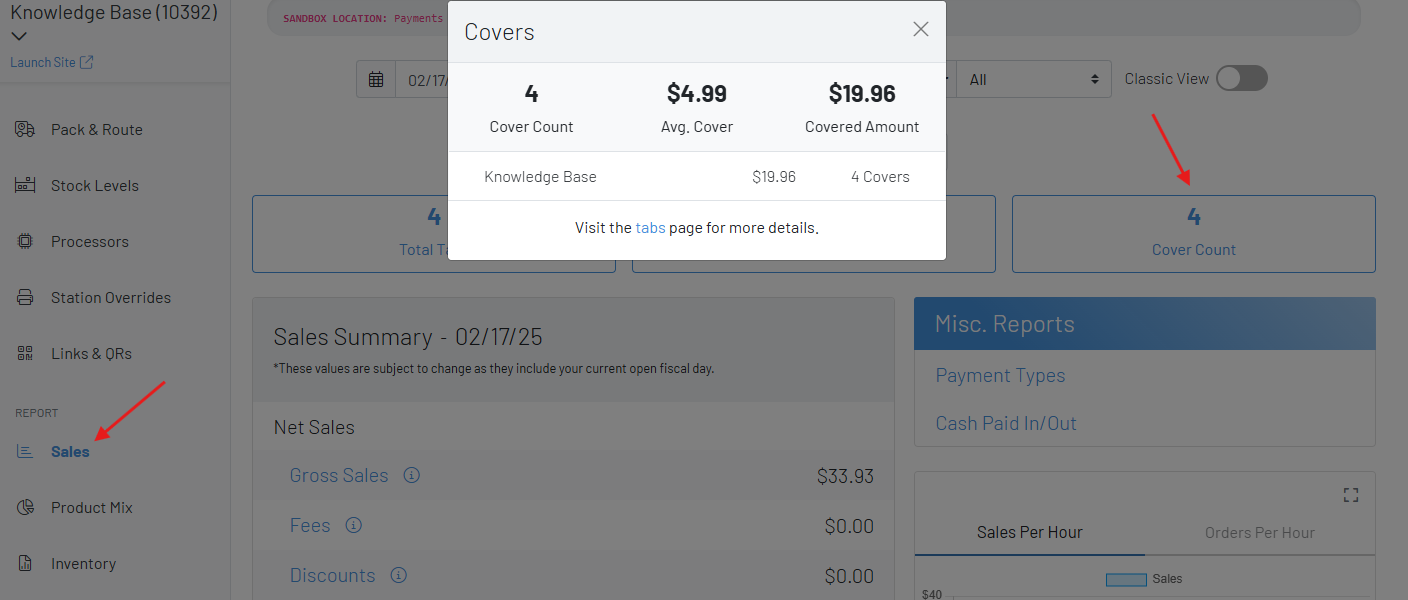
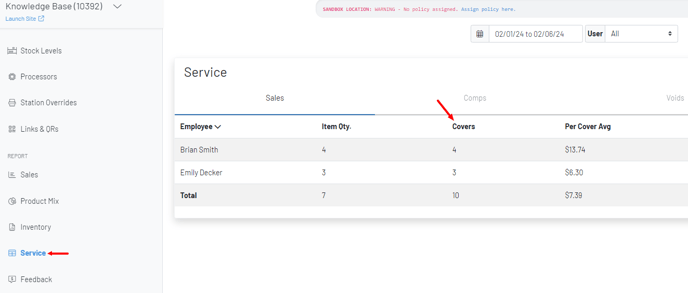
Navigate to the Service page for additional cover data broken out by server.