Copying Modifiers
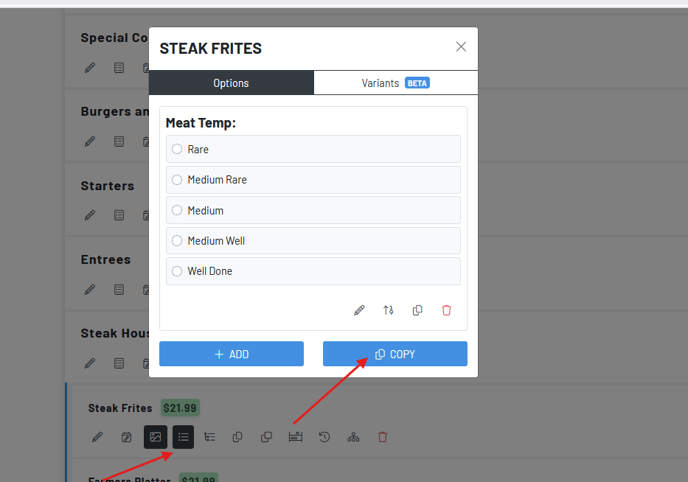
To copy a modifier *from *one product to another, navigate to the “update product options” on the product where the modifier lives.
-
Press the two papers icon.
-
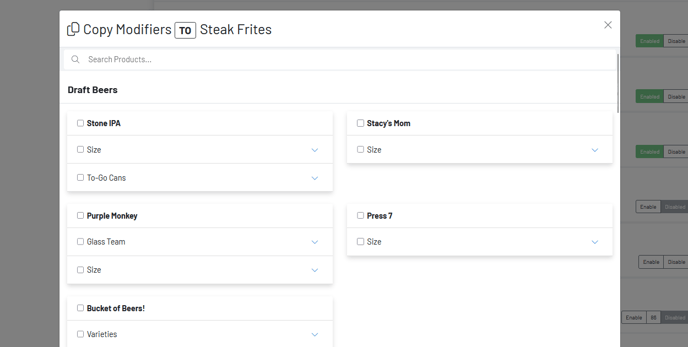
Then, search or scroll for the product(s) or category you want to copy the modifier options to.
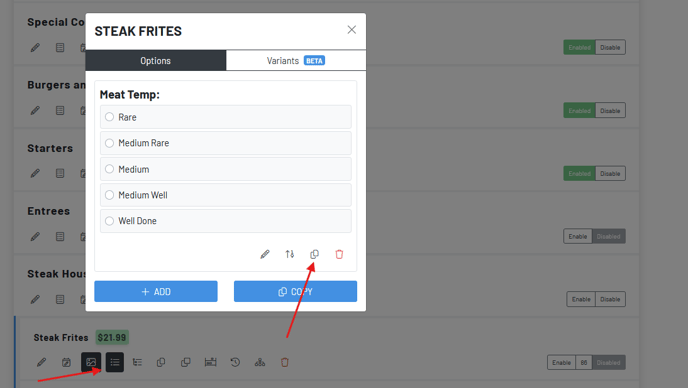
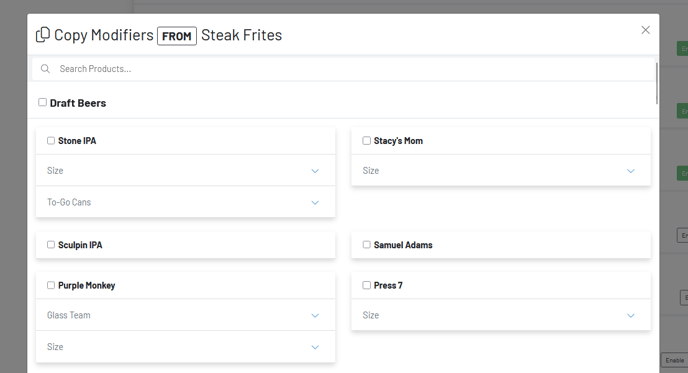
To copy an existing modifier from another product to the one you are working on, navigate to the “update product options” on the product that needs the existing modifier. You would use this on a product that didn’t necessarily have the mod you needed and you would click the word COPY to copy a modifier from a different product that did have the mod you’d like.
-
Press copy modifier
-
Select any modifiers you would like to copy over to the product you are working on.
-
Press copy